- Get Started
- Video Tutorials
- Knowledge Base
- Channels
- Listings
- Inventory
- Orders
- Settings
- FAQs & Troubleshooting
How to Use TikTok Product Opportunities
4Seller adds the Product Opportunities feature for TikTok stores. It links trending platform opportunities, enabling sellers to quickly match and submit store products to seize platform traffic incentives.
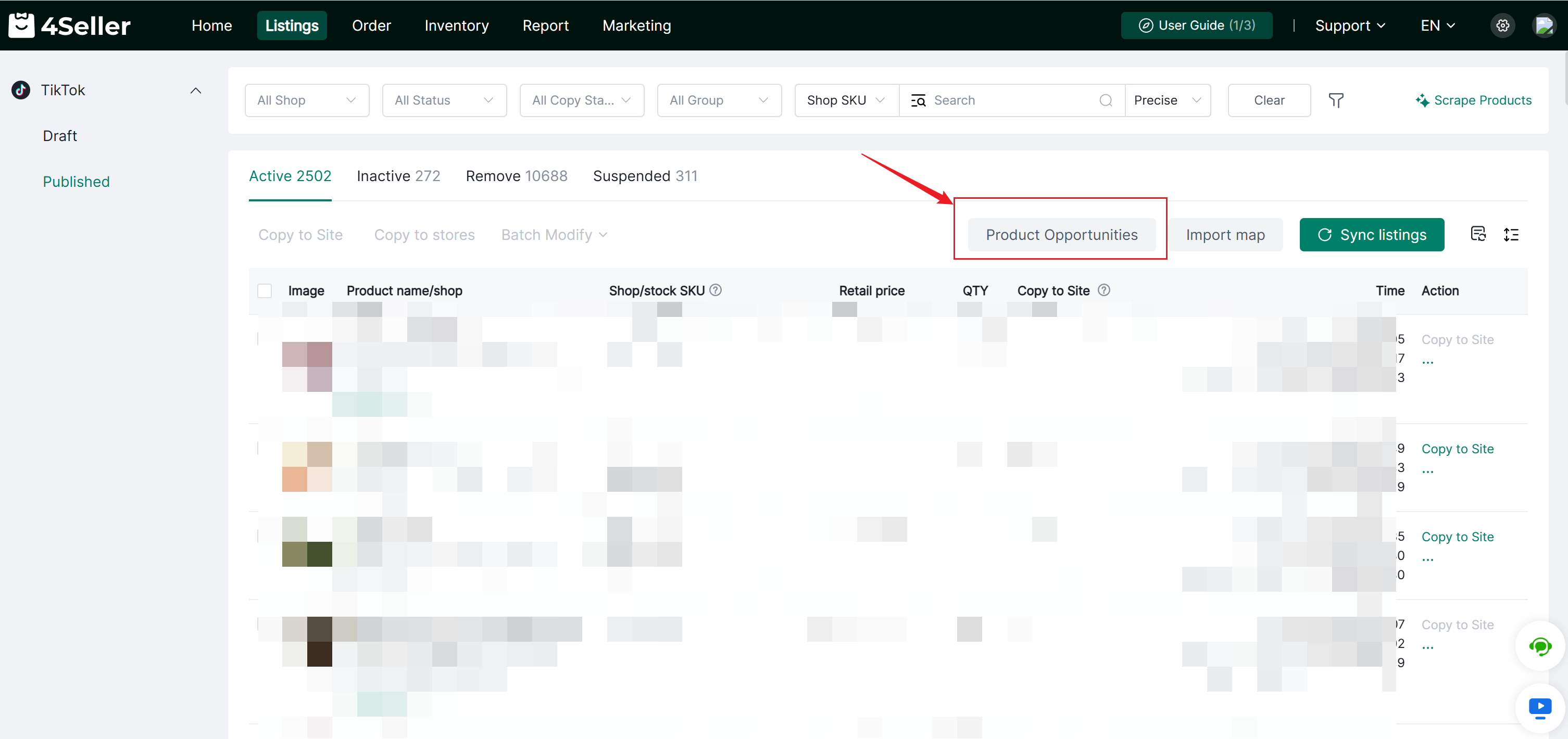
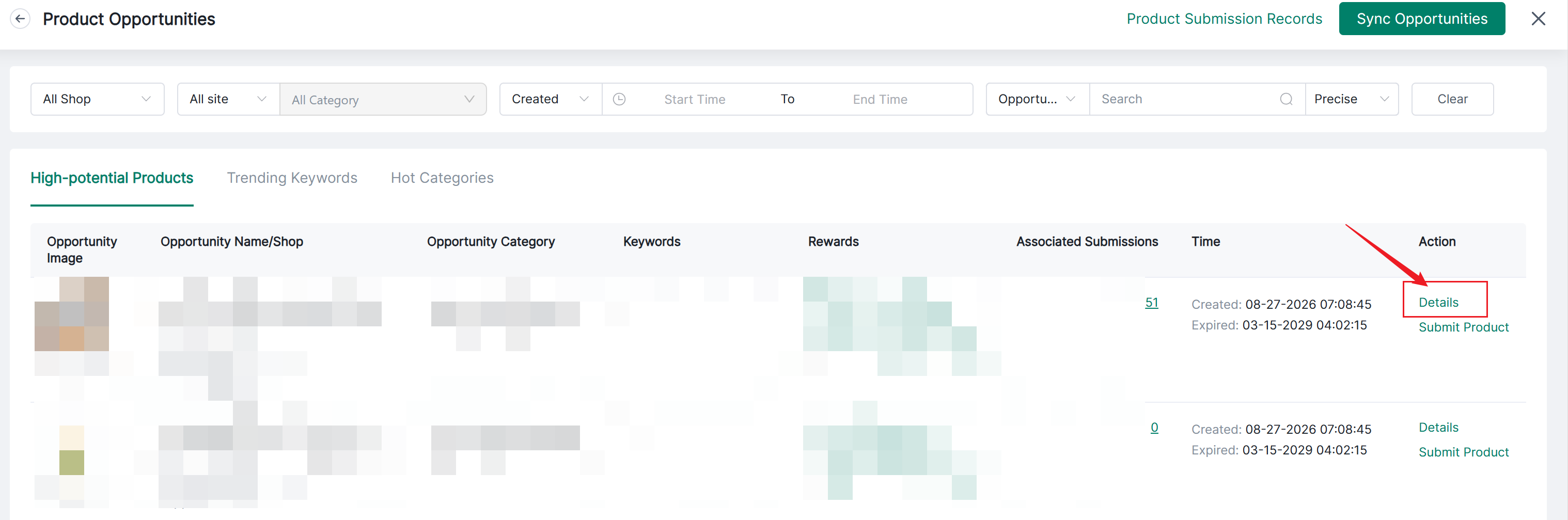
Click Product Opportunities on the TikTok Published page to access the opportunity page.
I. The classification on the Product Opportunities page is consistent with that in the TikTok backend, divided into High-potential Products, Trending Keywords and Hot Categories:
1)High-potential Products: Single items recruited by the platform. These products have high market demand and relatively insufficient supply, sellers can directly submit applications for these opportunities based on such products.
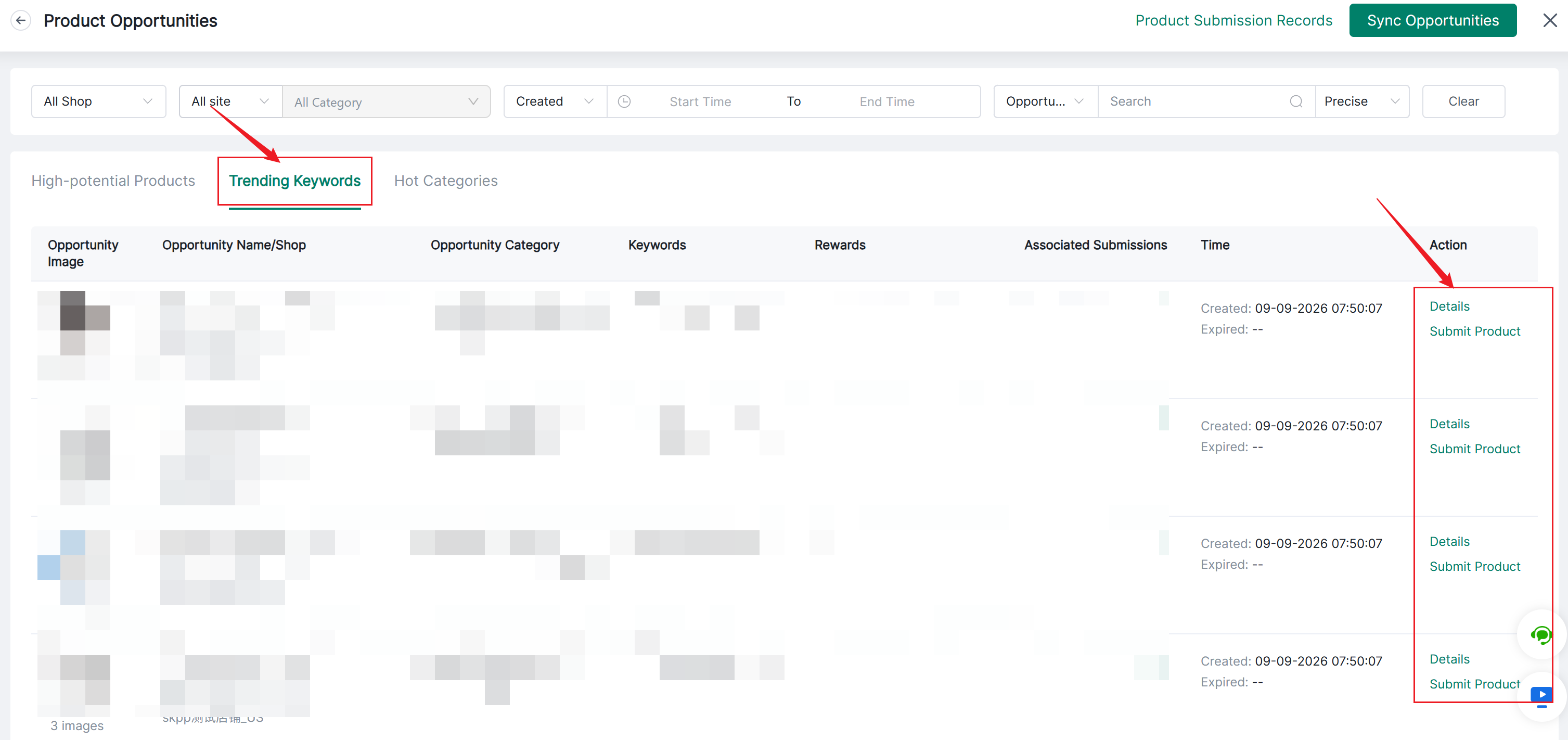
2)Trending Keywords: High-search-volume keywords from platform users, which reflect buyers’ real search demands. Sellers can use them to optimize product titles and attributes to match opportunity traffic.
3)Hot Categories: Category tracks with rapid demand growth and large supply gaps on the platform, helping sellers source products and plan new listings.
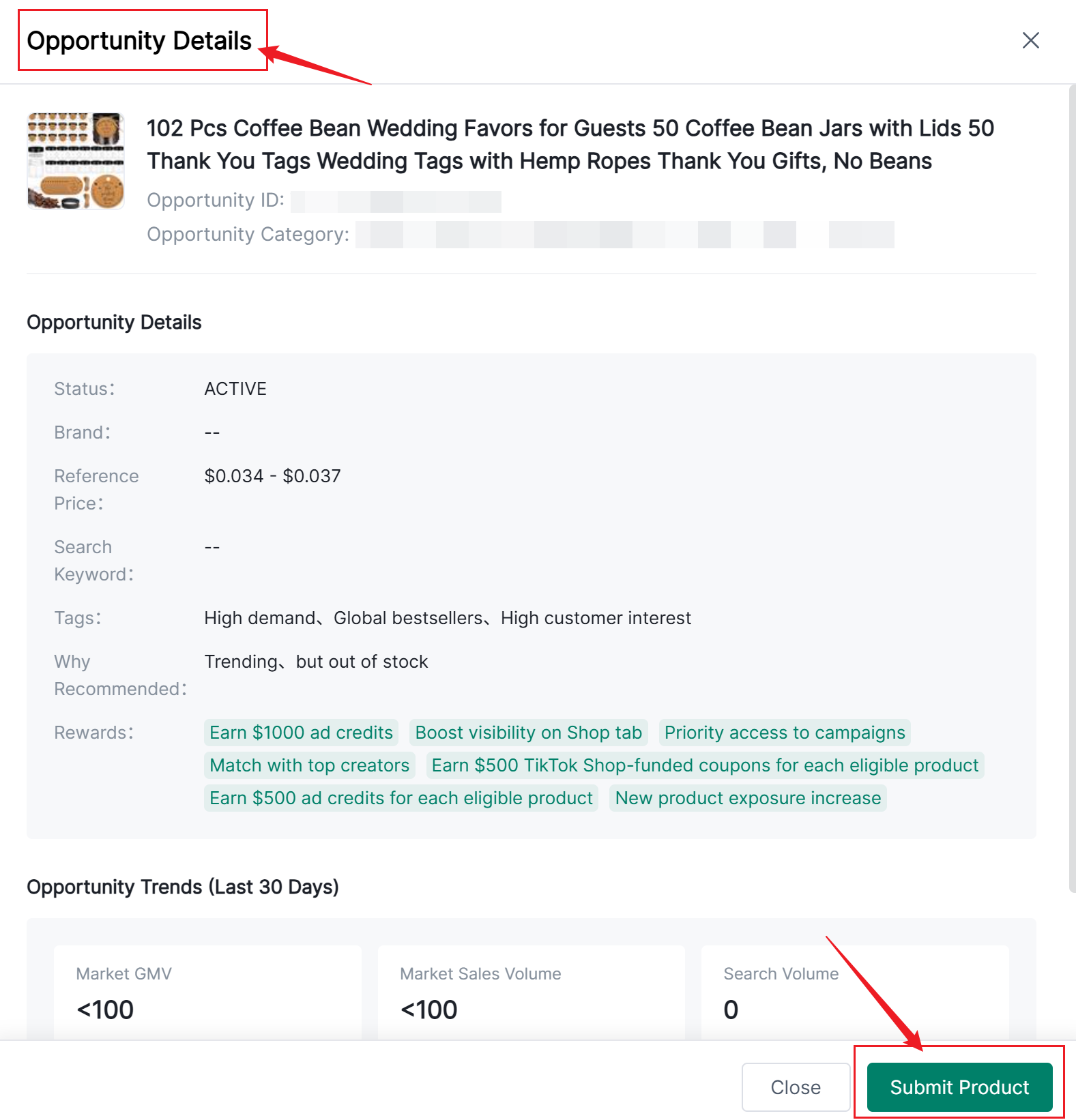
1. High-potential Products page displays TikTok’s high-potential products. You can view the details of high-potential products on the right and submit product.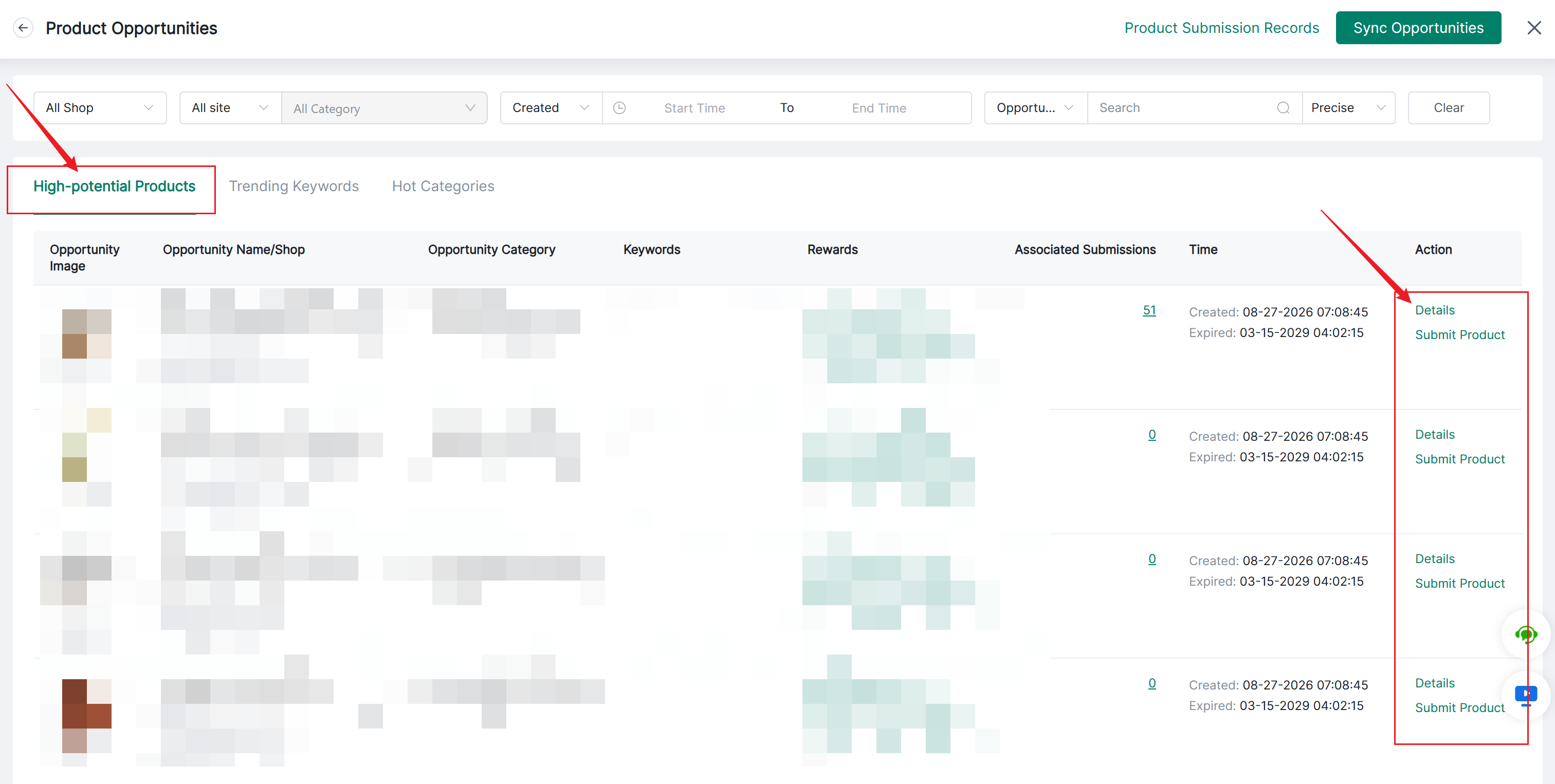
2. In the Trending Keywords section, you can view TikTok’s trending keywords. Hover your mouse over a keyword to display the full text. On this page, you may also check the details of opportunity products and submit product.
3. In the Hot Categories section, you can view relevant hot categories and check their details.
In addition, you may also link products to the opportunity on the product detail page.
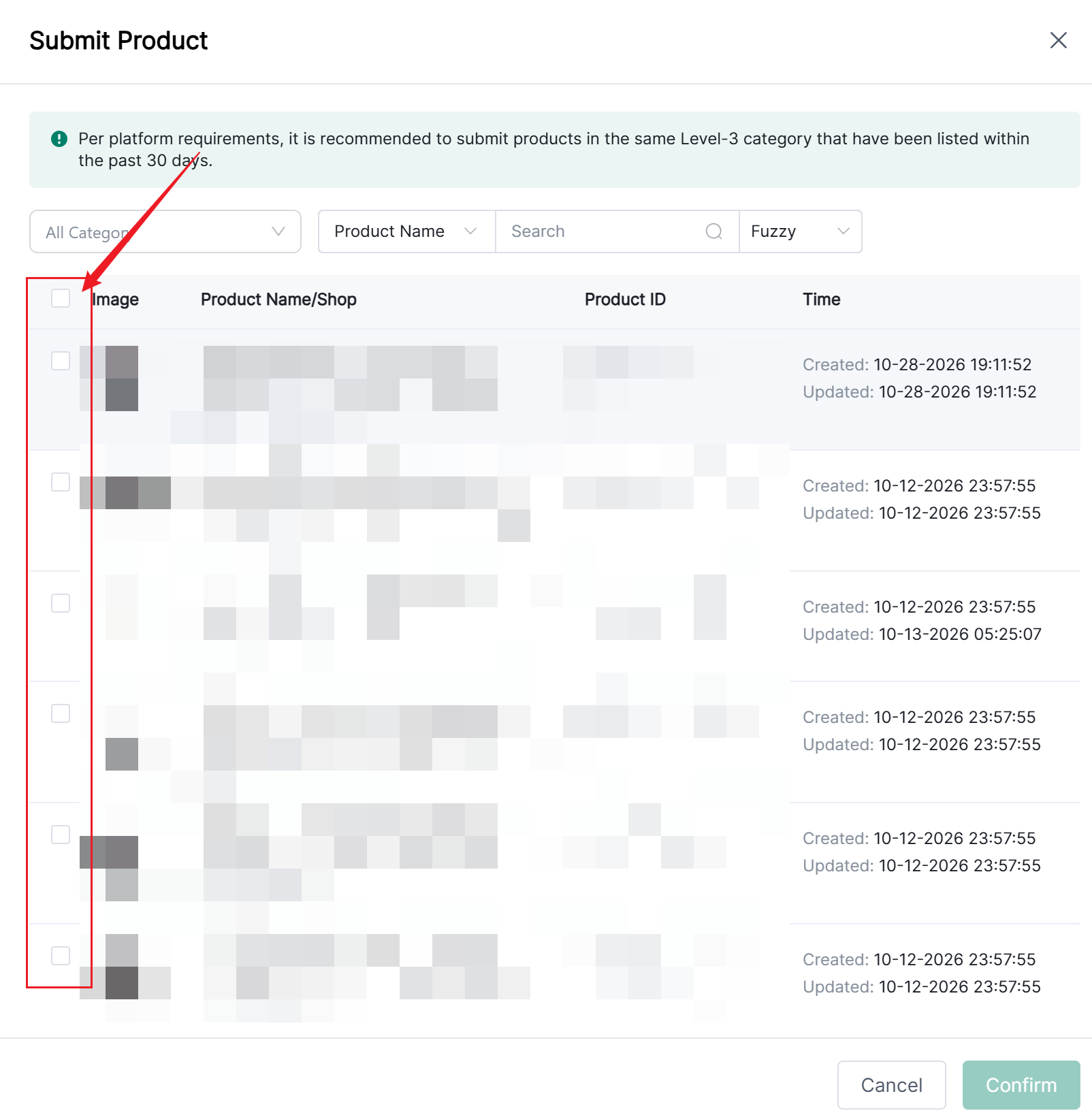
Click Submit Product. You may select one or multiple existing active TikTok products to associate with this opportunity product, then submit to TikTok to obtain corresponding traffic support.
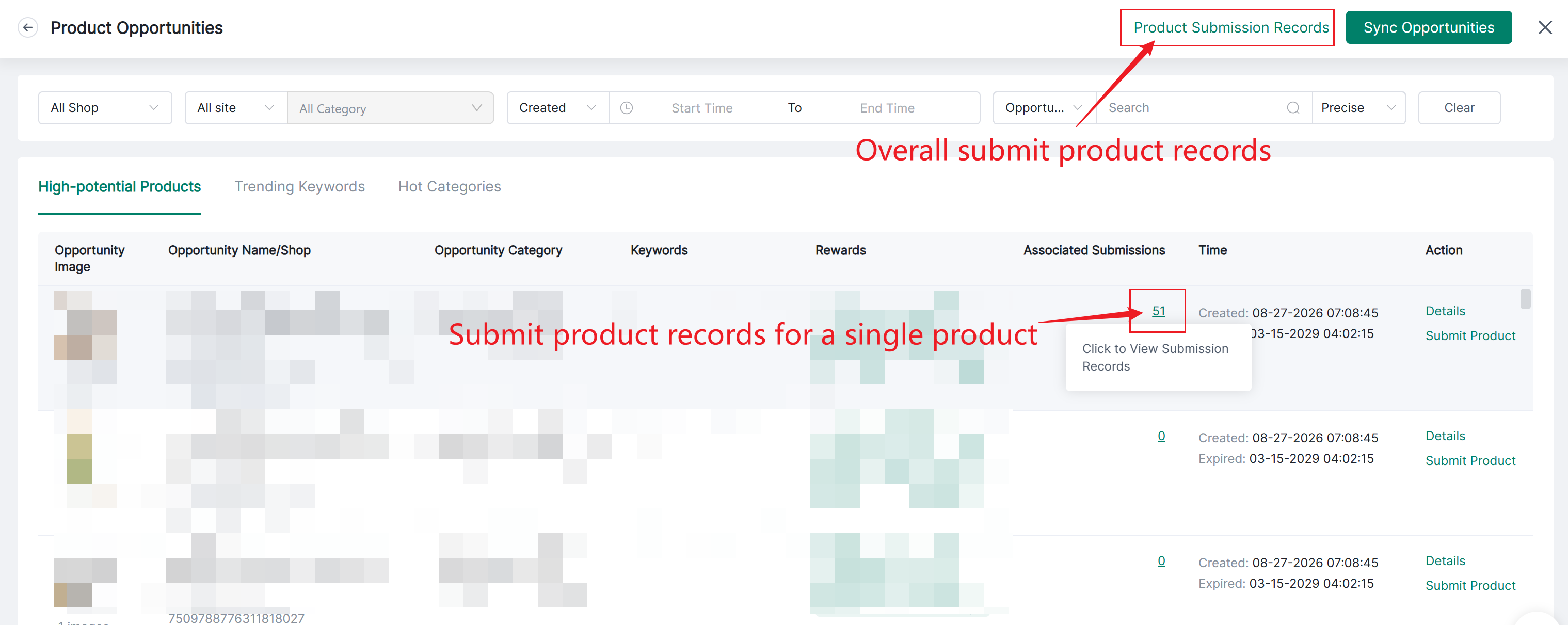
II. To view your submit product records, click Submit Product Record at the top right of the page, or click the corresponding number below the title of the linked submitted product.
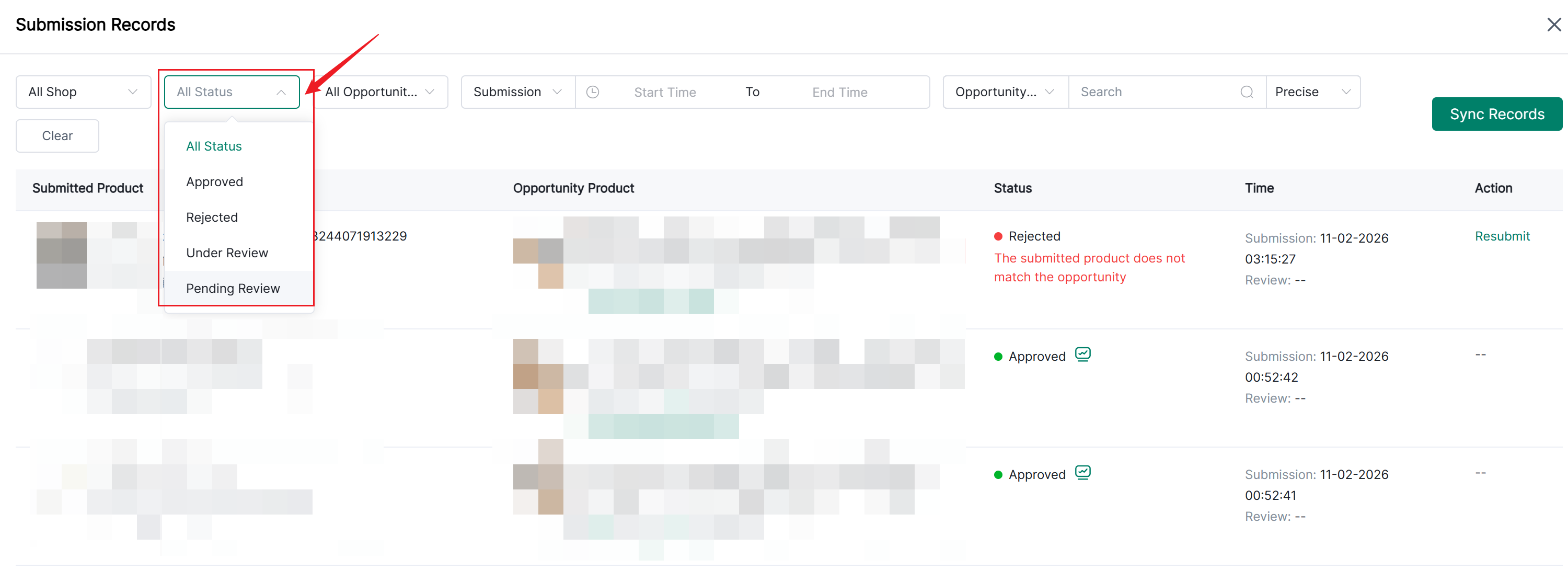
On the Submit Product Record page, you can view the submission status and rejection reasons of submitted products. Only products with failed submissions support resubmission by clicking the button on the right. There are four submission status types in total, and you may click All Statuses at the top to filter records.
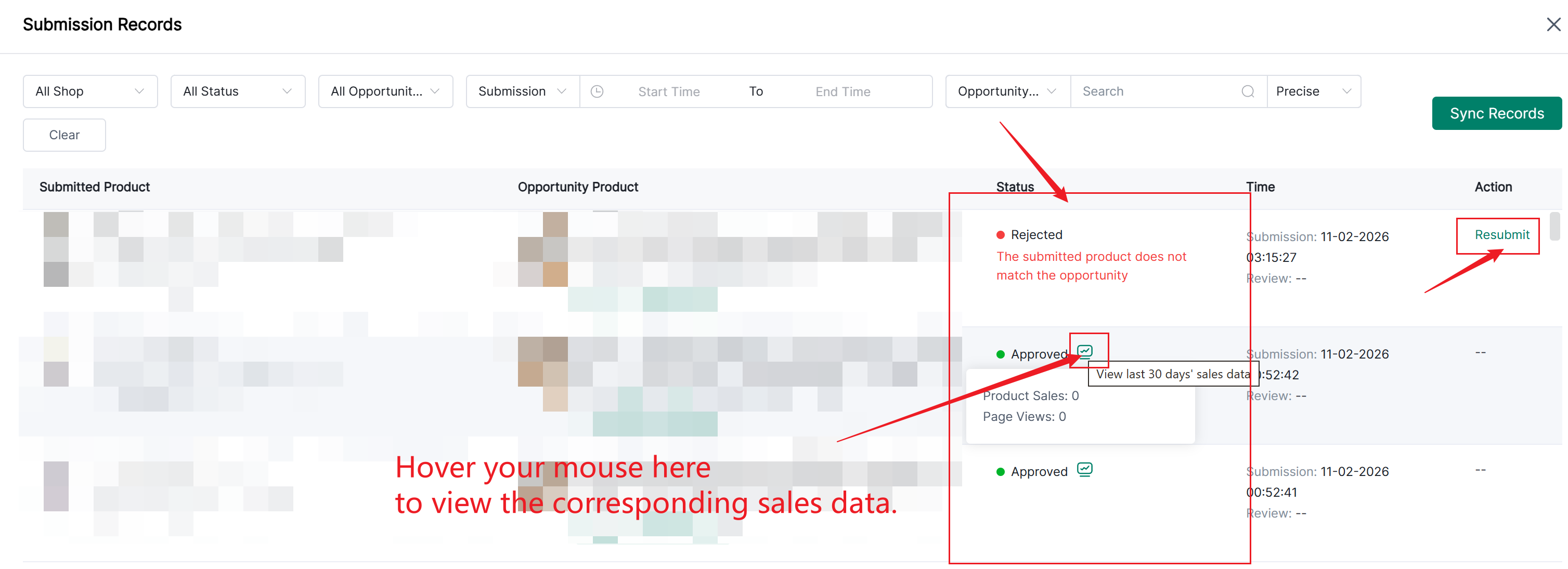
You can view sales data via the two methods shown in the image below (only successfully submitted products are eligible for viewing).
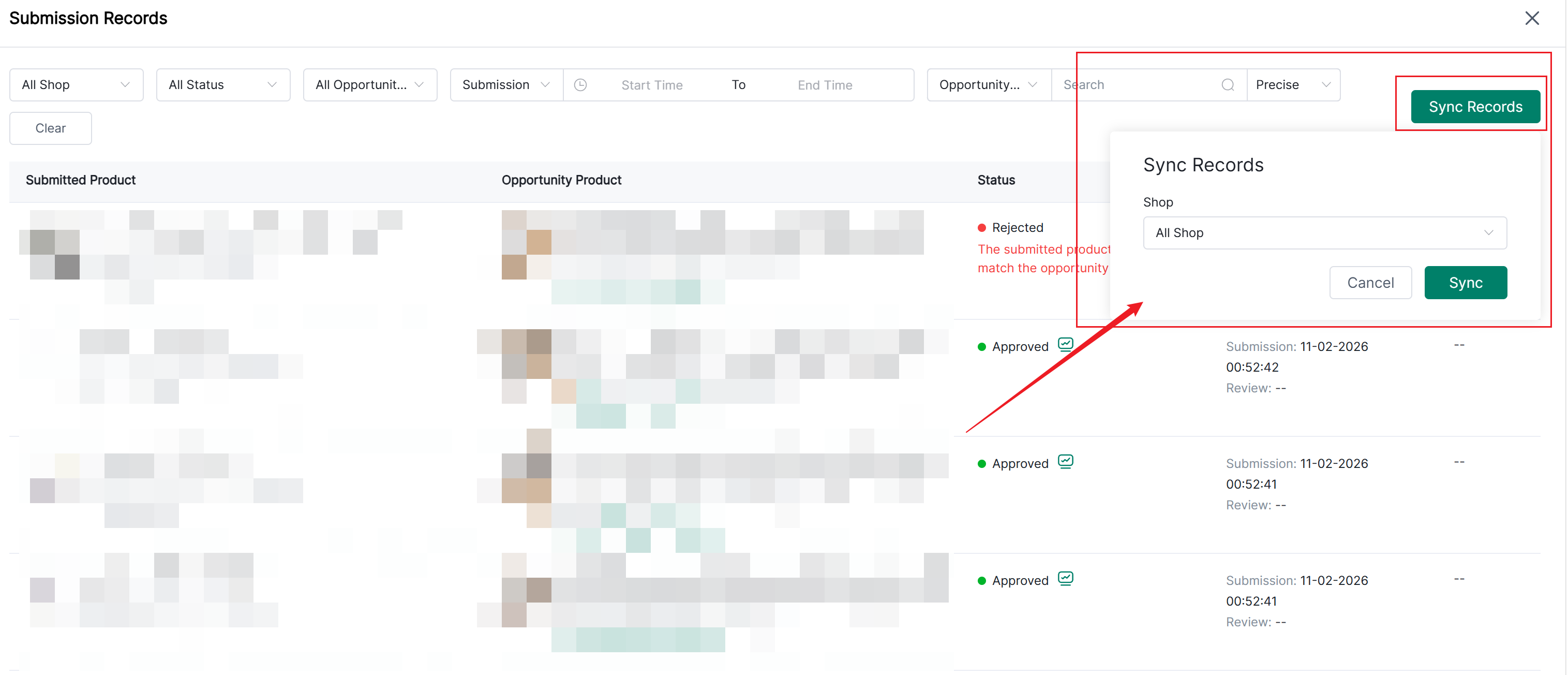
III. 4Seller allows you to view sync records at the top right of the Submit Product Record page and select the target store for synchronization.
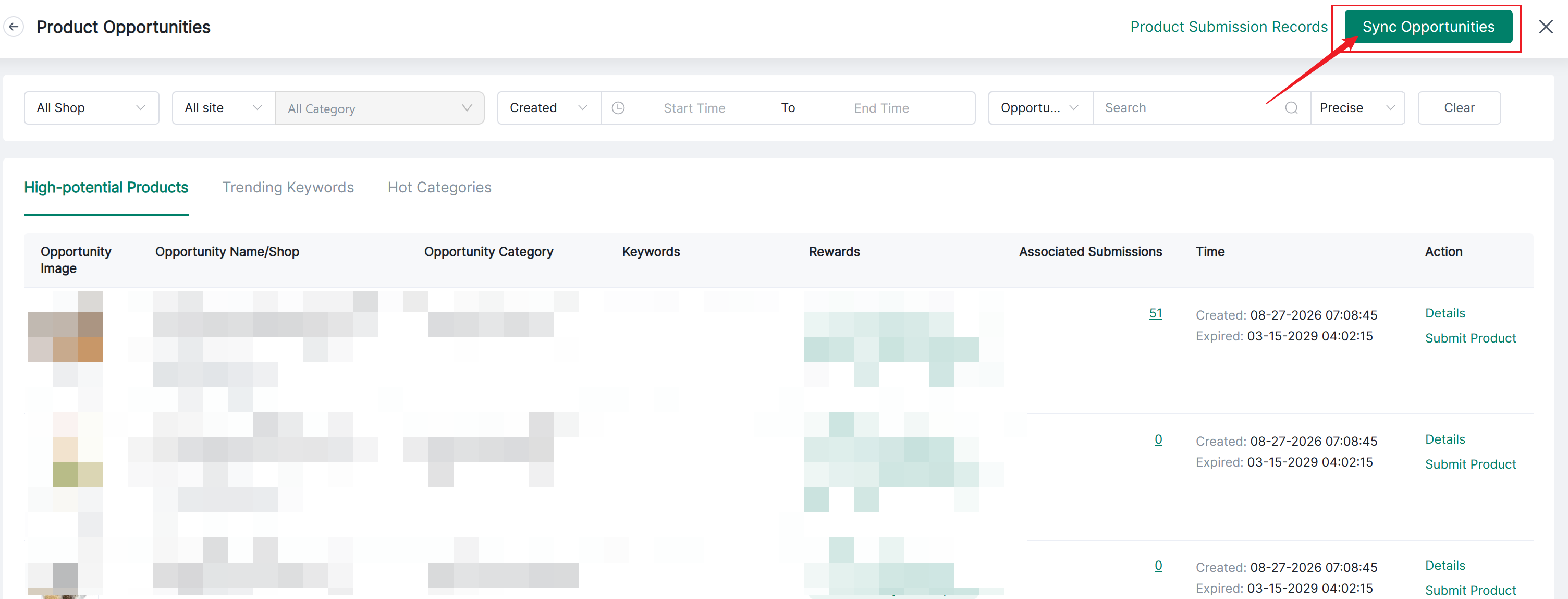
IV. TikTok opportunity product details will be automatically synced to 4Seller. If you need to retrieve the opportunity details more quickly, you may click the button at the top right to sync opportunities.
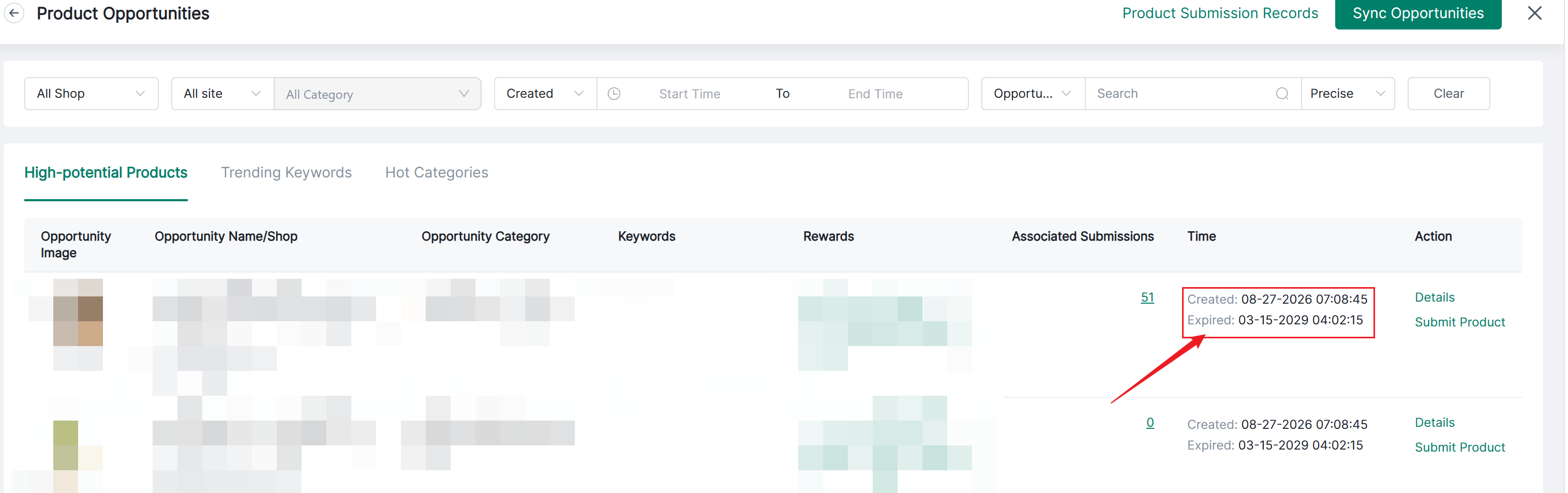
Note: There is a deadline for submitting TikTok opportunity products. Please complete the submission before the deadline.
Any problem feel free to contact 4Seller Support Team: support@4seller.com